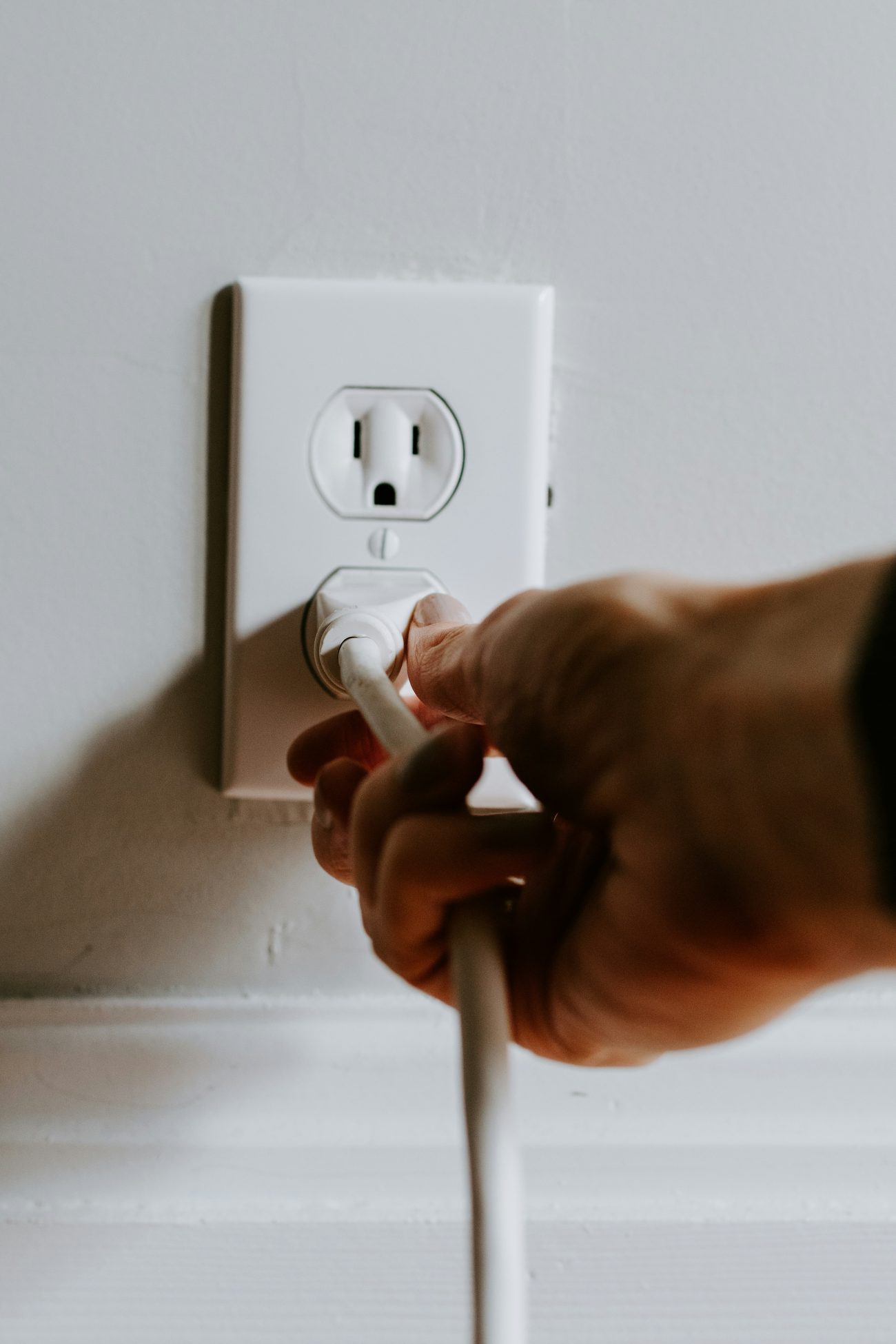
One device may not make a noticeable difference on its own. But the combined electricity consumption of several appliances over many hours can become more significant.
This is particularly relevant in homes where electronics are rarely disconnected.
The amount of money involved will depend on the actual power consumption of each device and the electricity tariff. For that reason, it is better to measure or check individual appliances rather than assume that every household will save the same amount by unplugging them.
Which Appliances Should You Consider Unplugging?
You don’t need to disconnect every electrical appliance in your home to reduce unnecessary energy use.
A more practical approach is to identify electronics that are used occasionally or remain inactive for long periods.
The following examples are worth checking.
1. Phone and Tablet Chargers
<AsyncImage query=”phone charger unplugged from wall electrical outlet home” aspectRatio=”16:9″ width=”100%”/>
Phone chargers are among the easiest devices to overlook.
Many people leave a charger connected to the wall after removing their phone. Depending on the charger design, it may continue drawing a small amount of electricity even when nothing is attached.
Modern chargers are generally designed to use very little power when idle, but unplugging one when it isn’t needed is still a simple habit.
If you have several chargers scattered around the house, checking them occasionally can help eliminate unnecessary connections.
2. Coffee Machines
<AsyncImage query=”modern kitchen coffee maker machine on countertop” aspectRatio=”16:9″ width=”100%”/>
Some coffee machines include digital clocks, timers, programmable settings, and automatic functions.
These features can require electricity even when the machine isn’t making coffee.
If you only use your coffee machine once or twice a day, check whether it needs to remain connected between uses.
A basic coffee maker with a mechanical switch may behave differently from a programmable machine with a digital display.
Always follow the manufacturer’s instructions, particularly if the appliance has a specific shutdown procedure.
3. Televisions and Streaming Devices
<AsyncImage query=”modern television entertainment center streaming devices living room” aspectRatio=”16:9″ width=”100%”/>
Many televisions enter standby mode rather than disconnecting completely when switched off with a remote control.
They may remain ready to receive commands, connect to a network, or perform certain background functions.
Streaming boxes and other entertainment devices can also use electricity while inactive.
If your television and entertainment equipment are rarely used overnight or during long periods away from home, consider whether a switched power strip would be suitable.
However, check the manufacturer’s recommendations first. Some devices need to complete updates or other processes before being disconnected.
4. Gaming Consoles
<AsyncImage query=”video game console controllers living room entertainment setup” aspectRatio=”16:9″ width=”100%”/>
Gaming consoles may have standby settings that allow them to download updates, charge controllers, or respond more quickly when switched on.
These convenient features can consume electricity even when nobody is playing.
If you rarely use a console’s automatic update or remote-start functions, review its power settings.
Many systems offer different standby or energy-saving modes.
Choosing a lower-power setting may help reduce consumption without requiring you to unplug the console every time.
5. Desktop Computers and Printers
<AsyncImage query=”desktop computer monitor printer home office desk” aspectRatio=”16:9″ width=”100%”/>
Computers and printers are common sources of electricity use in home offices.
A desktop computer left in sleep mode may continue using power. Printers may remain ready to receive wireless printing requests or perform maintenance functions.
If you use these devices only occasionally, review their energy-saving settings.
You can also shut down equipment completely when it will not be needed for an extended period.
However, avoid disconnecting a computer while it is installing updates, saving files, or performing other important tasks.
6. Toasters and Other Small Kitchen Appliances
<AsyncImage query=”toaster electric kettle kitchen countertop small appliances” aspectRatio=”16:9″ width=”100%”/>
