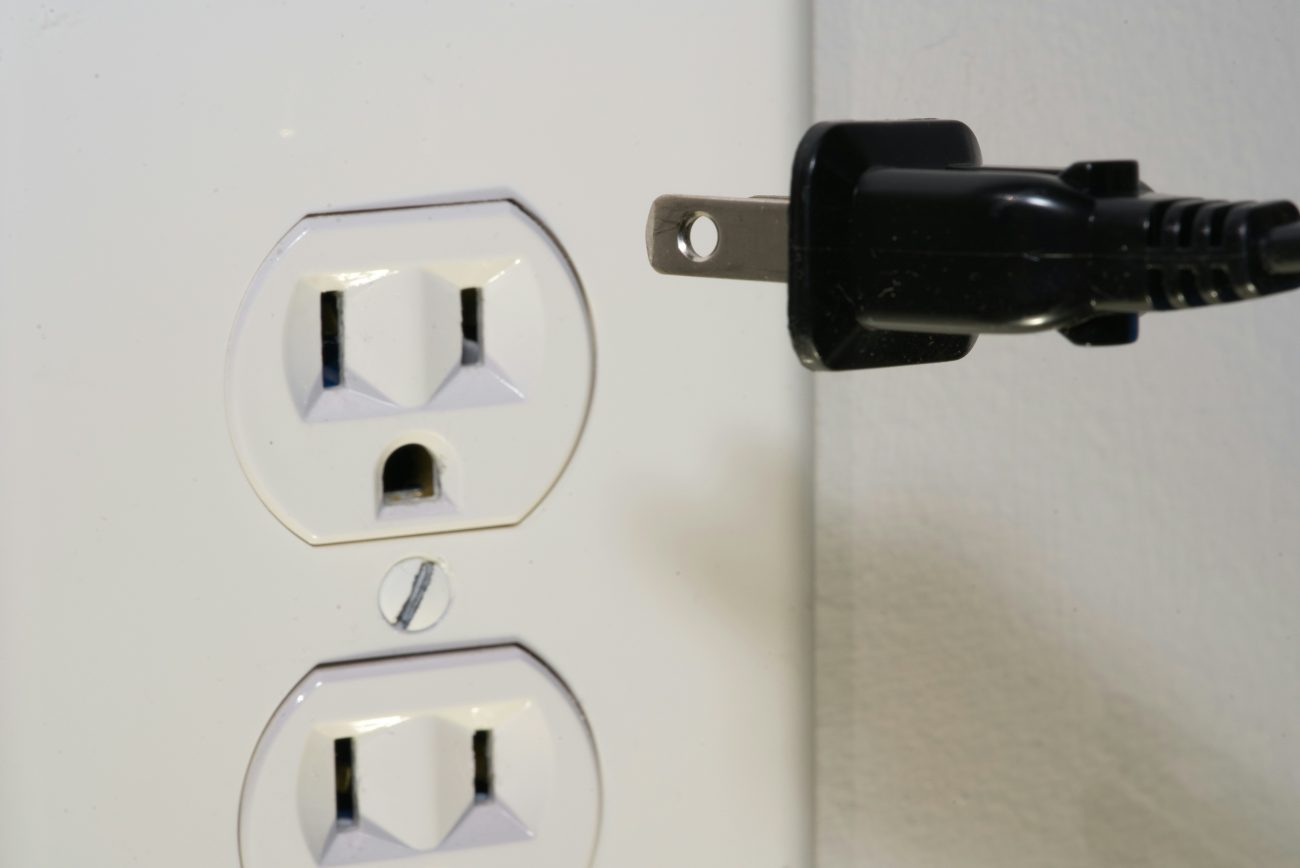
Still, unplugging chargers when they aren’t needed is an easy habit, particularly if you have several around the house.
The same principle applies to chargers for tablets, cameras, cordless tools, and other rechargeable devices.
2. Televisions and Entertainment Systems
Modern televisions may remain in standby mode so they can respond to remote controls, receive updates, or support connected features.
Other equipment, such as streaming devices, speakers, and set-top boxes, may also continue drawing electricity when you’re not watching anything.
If you have several devices connected to one entertainment area, a switched power strip can make it easier to disconnect equipment that doesn’t need to remain on.
Keep in mind that some devices may need to stay powered for scheduled recordings, updates, or other functions you rely on.
3. Gaming Consoles
Gaming consoles can use electricity even when you’re not actively playing.
Depending on their settings, they may remain connected to the internet, download updates, or use a low-power mode that allows faster startup.
Check the console’s energy settings. If you don’t need automatic downloads or remote features, changing those settings may reduce unnecessary consumption without requiring you to unplug the device every evening.
4. Coffee Makers and Kitchen Appliances
Some coffee machines have digital displays, clocks, timers, or programmable features that continue operating while the appliance is idle.
Other small kitchen appliances may use little or no standby power, particularly if they have simple mechanical switches.
If you rarely use a rice cooker, bread maker, or another countertop appliance, disconnecting it when it’s not needed may be worthwhile.
A toaster with a simple mechanical control, for example, may have virtually no standby consumption. The point is to identify actual energy users rather than assume every plugged-in appliance consumes the same amount.
5. Computers, Printers, and Office Equipment
Desktop computers, monitors, printers, scanners, and other office equipment may use electricity in standby or sleep modes.
Some devices need to remain connected for network access, scheduled tasks, or remote printing. Others can be switched off completely when you’re finished using them.
For computers, built-in sleep and power-management settings can help reduce consumption without requiring you to unplug everything.
The Lawrence Berkeley National Laboratory’s standby-power guide identifies older, rarely used electronics and office equipment as practical places to look for unnecessary consumption.
Standby Power+1
Which Appliances Should You Leave Plugged In?
Unplugging everything is neither practical nor necessary.
Some appliances must remain connected to operate correctly, while others provide services you may depend on throughout the day.
Refrigerators and freezers should remain connected because they need continuous power to keep food at safe temperatures.
Medical equipment that requires electricity should never be disconnected simply to save energy. Follow the manufacturer’s instructions and any guidance from your healthcare provider.
Security systems and alarms may need a continuous power supply to protect your home.
Internet equipment and routers should generally remain connected if you depend on them for security cameras, home monitoring, communication, or other connected services.
You should also consider devices that perform automatic updates, maintain settings, or provide important functions while you’re away.
Before disconnecting an appliance, check whether switching it off could interrupt something you rely on.
The goal is to eliminate unnecessary consumption, not create inconvenience or compromise essential services.
The Easiest Trick: Use a Switched Power Strip
One of the simplest ways to manage several devices is to connect suitable electronics to a power strip with its own on/off switch.
For example, you might connect your television, speakers, and gaming console to the same power strip.
When you finish using the entertainment system, switching off the strip can disconnect the devices together.
